Quick answer: A modern used car contains electronics that can cost far more to repair than a worn interior switch suggests. Touchscreens, backup cameras, USB ports, climate controls, digital instrument clusters, door modules and driver-assistance sensors need verification alongside the engine and transmission. The objective is not to test every hidden circuit, but to create a repeatable pre-purchase electronics checklist, record functional defects and obtain credible estimates instead of assuming everything works because the car starts.
Scope: This is a safe functional-screening checklist. It is not a procedure for disassembling electronics or overriding safety features.
Use the owner’s manual as the feature inventory
Start with the exact VIN, trim level and original option list. Two versions of the same model can have different navigation, audio, camera and parking-sensor systems. A blank switch location or unused display icon is not proof of a broken feature when the car never had that option.
Ask the seller to demonstrate the installed equipment and confirm whether any subscription, premium connectivity plan or transferable digital service is included. Features that depend on remote servers or mobile apps can change with subscriptions, software support and ownership transfer.
Check touchscreen, radio and physical controls
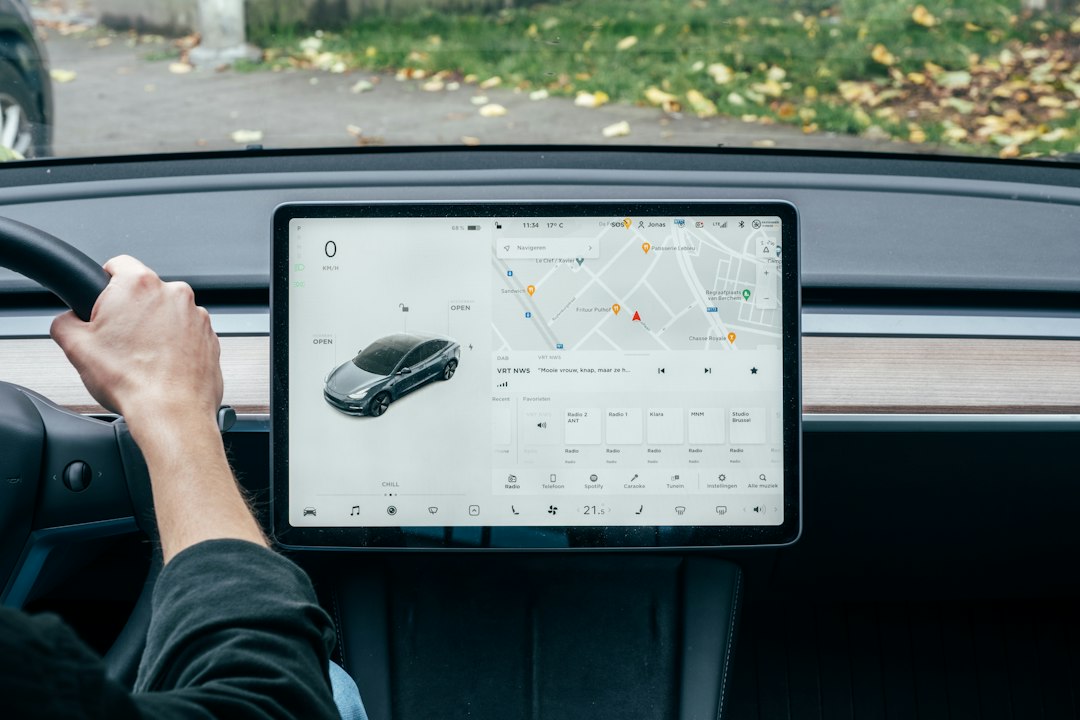
Test screen startup, brightness, touch response, volume, tuning, mute, steering-wheel audio controls and physical buttons. Watch for random restarts, screen delamination, dead areas or abnormal lag. Certain systems require a software update or reboot, but recurring failures should not be dismissed without a diagnosis.
Try Bluetooth pairing with permission and later remove your personal device from the car. Confirm Apple CarPlay or Android Auto only if the exact model and compatible device support them; some cars require a wired connection or specific USB port. A software upgrade claim should identify which feature it actually adds.
Test reverse camera and parking-assistance operation safely
With appropriate seller permission, check the rear camera while stationary or during a normal parking maneuver in a safe area. Examine the clarity, image delay, grid lines and warnings, but understand that dynamic guide lines vary by system. A distorted image or intermittent blackout is a reason to ask for professional diagnosis.
Front and rear parking sensors may signal when a nearby object is detected. Do not create dangerous situations to test collision-avoidance features or rely on cameras instead of checking mirrors and surroundings. A previous bumper repair may have affected sensor position, wiring or camera calibration.
Power windows, locks, mirrors and seats
Operate each power window and lock from the relevant door controls, including the driver’s master panel. Test mirror adjustment, fold function if equipped, power seat movement and memory positions if the vehicle includes them. Slow windows or a mirror that works only intermittently may indicate mechanical resistance or electrical faults.
Avoid forcing a stuck window or seat mechanism, especially where anti-pinch protection is involved. Check that child locks, interior releases and seat belts work properly. An inexpensive-looking switch can be part of an integrated door module with a significantly higher replacement cost than the component’s appearance suggests.
USB, charging, navigation and climate controls
Check each advertised USB or 12-volt outlet with an appropriate low-power device and compatible cable, avoiding unnecessary personal-data access. Some ports transmit data while others charge only; the owner’s manual should distinguish them. Navigation maps and connected services may require current subscription or software support.
Test fan speed, heat and A/C controls, defrost, temperature selectors and rear controls where equipped. A climate-screen problem can affect defogging and driver comfort, not just entertainment. Confirm that features remain available after the vehicle is restarted.
Recognize when software updates will not solve hardware faults
A seller may say a warning or blank screen will clear after a reset or update. That is possible, but not a confirmed repair diagnosis. Request the current software version, manufacturer update campaign records and written repair history. A technician can investigate stored module codes when available.
Avoid performing factory resets, account transfers or firmware updates on a seller’s car without explicit permission. Such actions can erase settings, introduce additional issues or trigger account locks. For an expensive central display, get a model-specific repair estimate before relying on optimistic seller assurances.
ADAS and airbag faults deserve their own safety gate
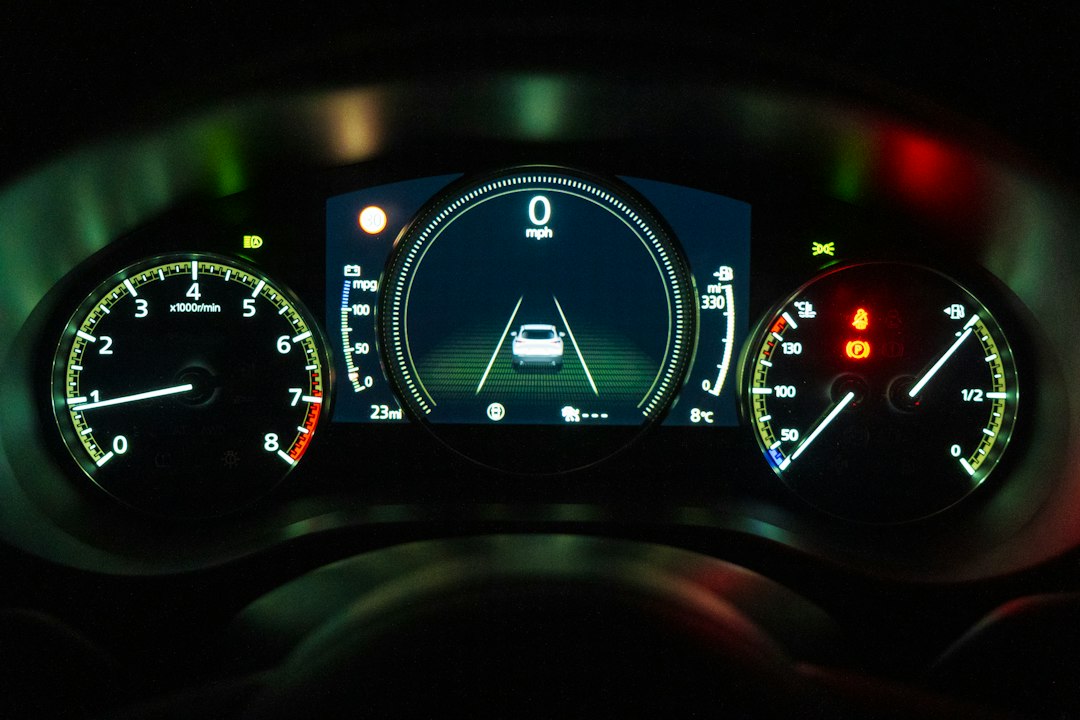
Driver-assistance systems may use cameras, radar and software modules that share parts of the infotainment interface. An illuminated safety-system warning, missing camera or malfunctioning parking assist requires more than a quick touch-screen check. Verify manufacturer guidance and whether collision repairs or windshield replacement affected calibration.
Do not treat airbag or ABS warnings as ordinary nuisance messages. A qualified technician should evaluate restraint, braking and camera-system defects. See our driver-assistance guide and windshield camera calibration checklist for more detail.
Value defects and prepare the purchase decision
List each failure as confirmed, intermittent, not installed or untested. Obtain current estimates for parts, programming and labor rather than assuming everything can be fixed with a secondhand screen from an online marketplace. Electronic modules can need coding, and some used replacements cannot be transferred freely.
Before signing, compare this defect inventory with the independent mechanical inspection and the full out-the-door price. Avoid buying a car with safety-related electronics faults merely because a salesperson offers a small discount. Use our full pre-purchase checklist to see the electronics in context.
Electronics verification table
| Component | Safe test | Potential follow-up |
|---|---|---|
| Infotainment screen | Startup, buttons, restart | Module/software diagnosis |
| Rear camera | Normal reverse display | Camera/wiring inspection |
| Windows and locks | Operate each control | Motor, switch or module test |
| USB/Bluetooth | Compatible device test | Port or software issue |
| Safety sensors | Review warnings and options | Professional diagnosis |
Optional automotive shopping resource: Optional car-tech accessories may support everyday convenience, but they are not replacements for factory safety electronics or professional diagnostics. We may earn a commission from qualifying purchases.

Frequently asked questions
Does a working screen prove every electronic system works?
No. Integrated features and safety modules need separate verification.
Will any replacement touchscreen work after installation?
Not necessarily. Compatibility, vehicle coding and subscriptions may restrict replacements.
Should I reset a seller’s car to test infotainment?
Only with permission. A reset can erase information and change account access.